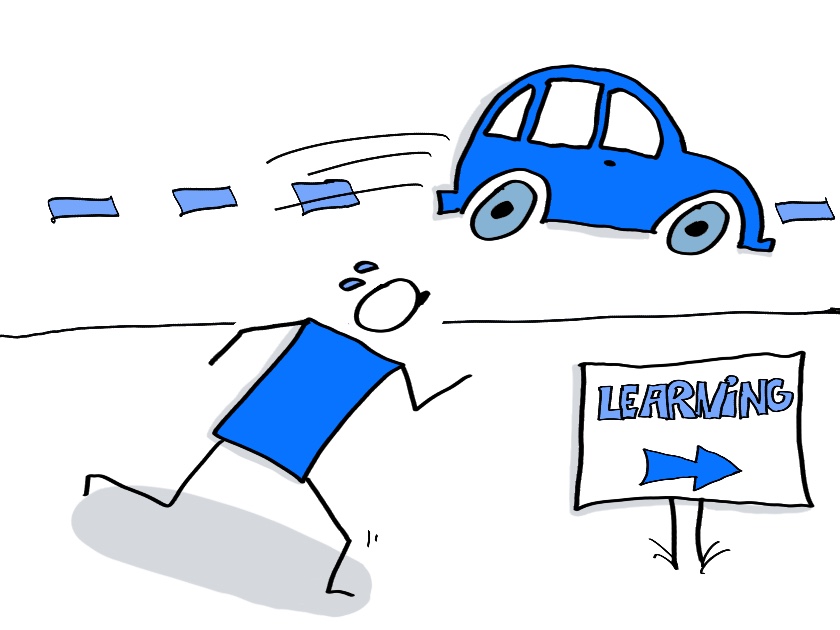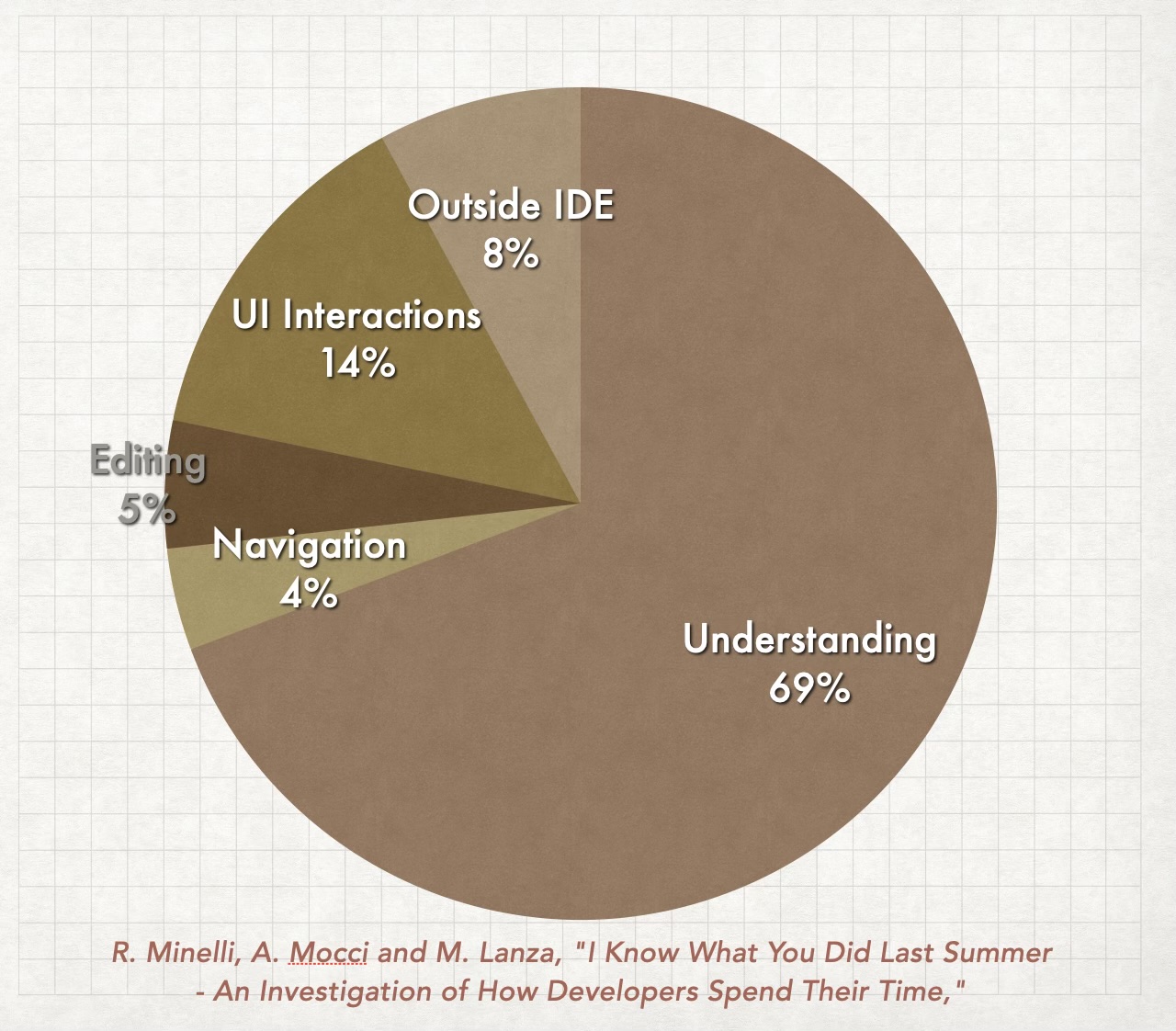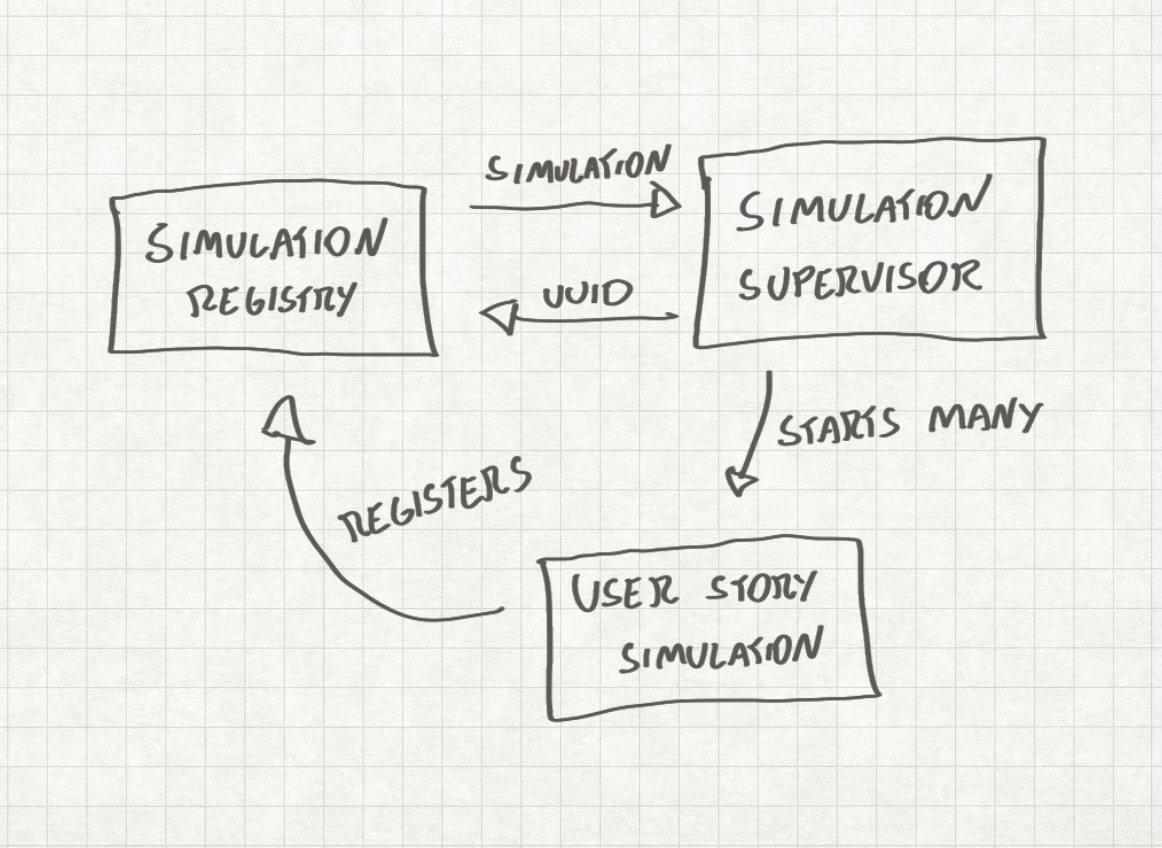

Your backlog isn’t stale because time passed. It’s stale because you shipped.
This week I finally put into words a conclusion that’s been forming for months in my confused mind: LLM-assisted development probably broke one of our most reliable metrics: Information age (also one of my favourite metrics). We used to measure information staleness in time, like: “that item was refined three weeks ago, it’s probably stale.” That doesn’t always work anymore. A spec can become obsolete in a single day, not because the world changed, but because your team shipped seven increments since breakfast (more on information expiration here).
That realization led me to build pbl-skills, a plugin that keeps your Product Backlog inside your codebase and tracks a metric I’m calling Increment Drift instead of Information Age.
Here’s how it works:
pbl-skills and its 4 principles
The plugin is called pbl-skills and there are two ways to use it. If you use pi, just type:
pi install -l npm:pbl-skills
If you’re using another harness (like Claude Code or Codex) you can still benefit from the skills. They are available on:
The plugin is based on 4 principles that I came up with after experimenting with LLM-augmented development in the last 2 years. The first two principles are architectural choices, the third is a documentation approach and the fourth is probably the best breakthrough I’ve had during this process. So, if you don’t want to read the entire post, just go straight for the fourth principle.
Let’s talk about them and connect each one to a feature implemented in pbl-skills.
Principle 1: The Product Backlog should live in the code repository
Simple. If we are using LLM’s to develop software, all the information about the project should reside in the project folder. So the plugin has a command called /pbl-kickoff that can take a small sentence or a .md file containing the project idea to transform it into a Product Backlog.
The
/pbl-kickoffcommand was inspired by thegrill-mecommand created by Matt Pocock.
The Product Backlog is created on the folder ./product-backlog, and each item gains a dedicated subfolder that looks like this:
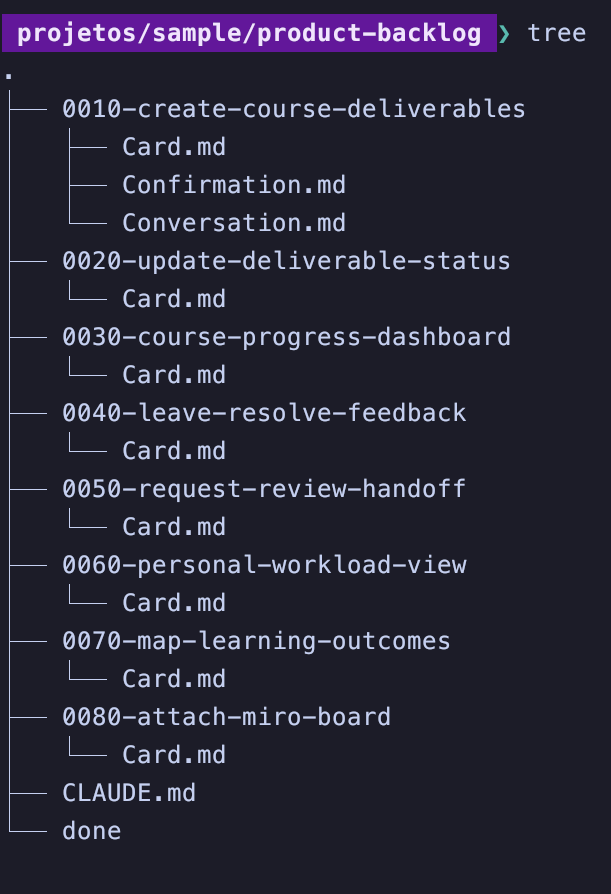
The Product Backlog is also ordered, and it uses numbers in the folder names to do that. Simple, but works. Also, the items are always vertical slices of the product.
At this point, the LLM will also propose an initial Definition of Done to you. You don’t need to be too picky here, because the intent is creating a quality standard that will evolve over time.
This is a very opinionated plugin: the items will always use the User Stories 3 C’s and the Connextra format, and that will help us to track the Product Backlog state.
Items with just a Card.md file in their folder are considered Raw.
Items with a Card.md and a Conversation.md file in their folder are items we are still Refining.
Items with a Card.md, a Conversation.md and a Confirmation.md files in their folder are considered Ready.
Principle 2: A backlog item must be independently intelligible to an agent with no prior context
I don’t want my context growing indefinitely. I want to jump in, and start refining an item. And that’s what happens when you run /pbl-refine: the LLM will take the upmost item in your Product Backlog and interview you about it until it’s satisfied with the information.
The
/pbl-refinecommand was inspired by thegrill-with-docscommand created by Matt Pocock.
If you don’t have enough information or stop the conversation in the middle, the LLM will just create a summary of the conversation in a Conversation.md file. If you answer all the questions, the LLM will propose a Confirmation.md file to you. Here, and at any point of this process you can disagree and add something the LLM missed if you want to.
The Confirmation.md file is structured to be an ideally executable confirmation, easily transcribed to test frameworks like RSpec, Jest, JUnit, ExUnit, etc.
There’s also another skill that can be invoked manually or suggested by the LLM: /pbl-split.
The /pbl-split command was inspired by the hamburger method created by Gojko Adzic
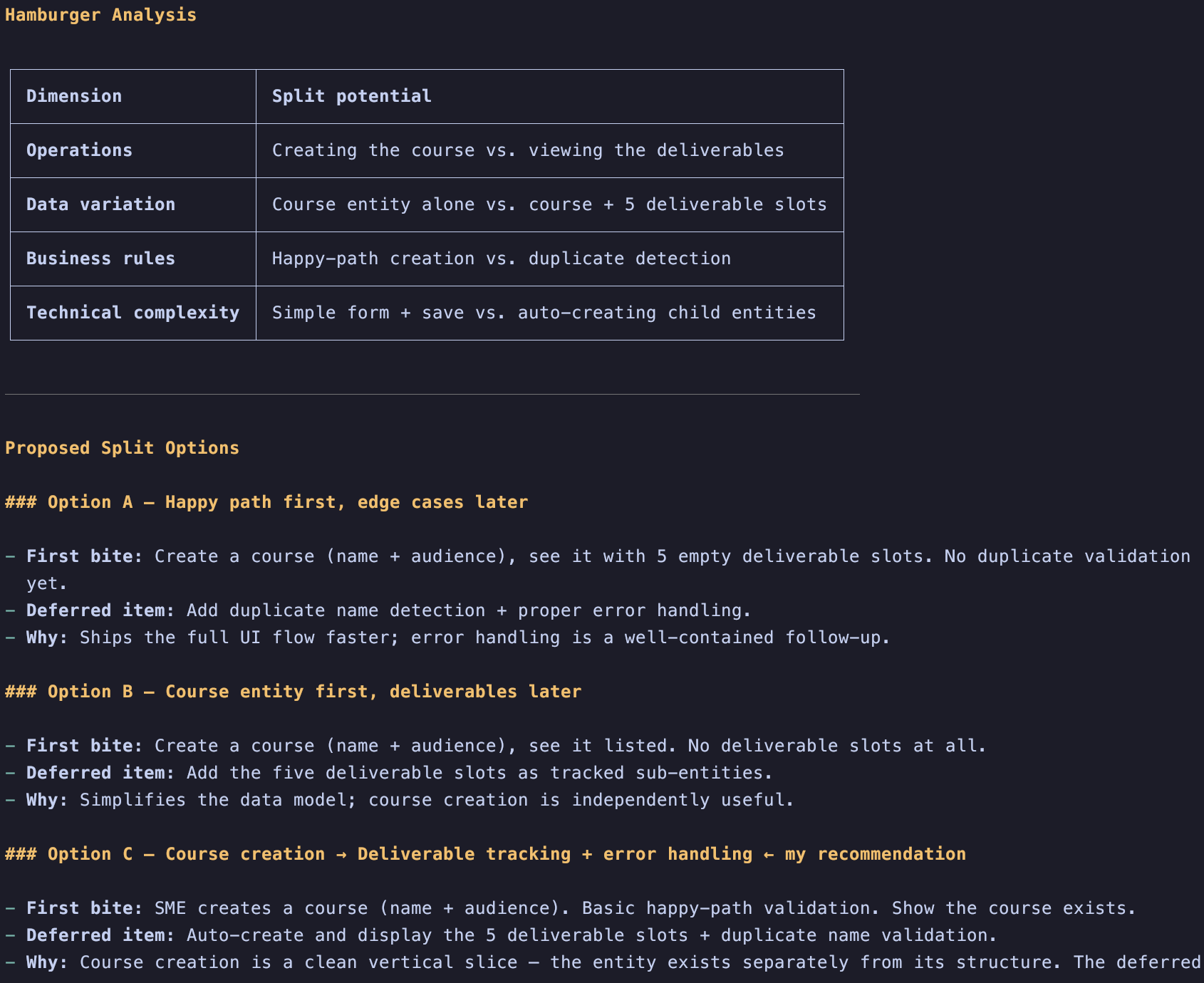
If an item is too big, the LLM can help you split it in different ways. Once split, the LLM will focus on refining the first bite and generate a new item in the bottom of the Product Backlog that will have just a Card.md. This way you can focus on the current increment first and evolve your product faster.
Doing refinement without involving the final user isn’t refinement, is speculation. Those skills can and should be used to provoke a conversation between humans.
Principle 3: Decision trails are more useful than current-state documentation
There are things the LLM’s are really good at, and we should leverage those things. They are quite good at reading a bunch of text and summarizing stuff. That’s why instead of keeping an updated document describing the current state of the product we are keeping a changelog.
The tool /pbl-timeline shows in a timeline how your Product Backlog evolved over time
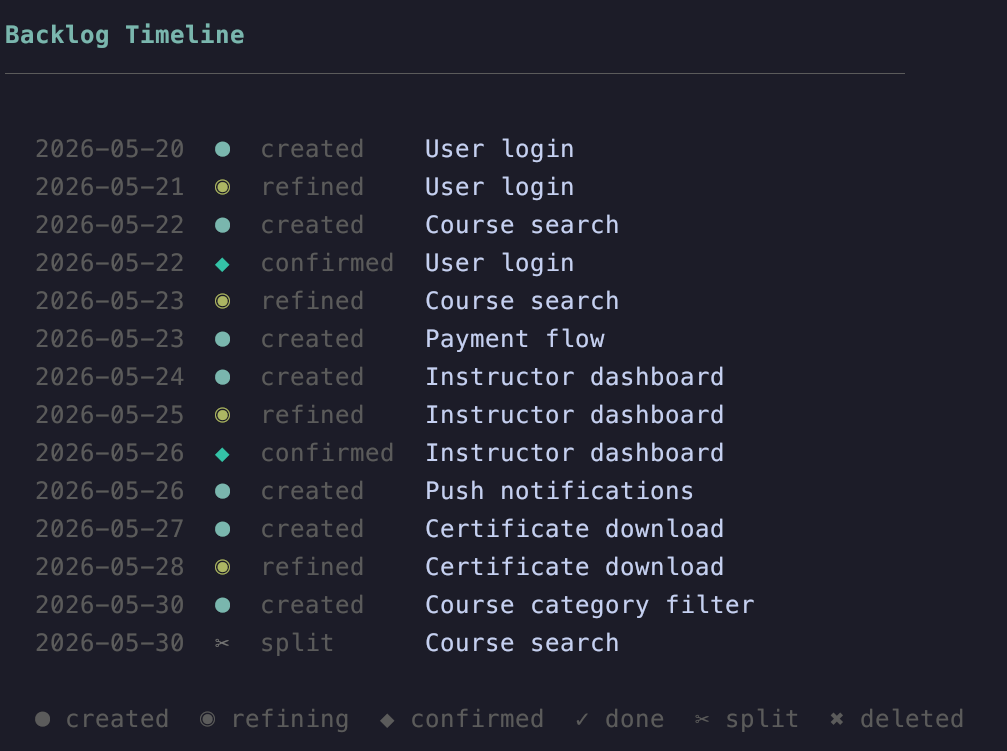
The pbl-skills creates a hidden directory named .history to keep track of everything that happened. Again: the history is a part of your codebase. If you ask the LLM to delete an item or delete it using the user interface on Pi, it’s a soft delete. The item will be sent to a hidden directory and will still be a part of your repository. Same thing for done items.
Persistent documentation is less relevant when you can get information on the fly.
Thoughtworks Podcast with Birgitta Böckeler and Laura Tacho (listen to it!)
Principle 4: Work done degrades information faster than time elapsed
If you have ever been in one of my classes you probably heard me saying that in a complex environment information ages like milk. It still does, but now we need to classify this staleness in two categories:
Exogenous Staleness - Information Age
Let’s say you refine an item and add a bunch of information there today, but you don’t implement it. Next week something crazy happens and all that information ages really badly. You have to refine it again.
(There’s also an interesting post I wrote about it sometime ago: Information expires and specificity adds to its obsolescence)
Endogenous Staleness - Increment Drift
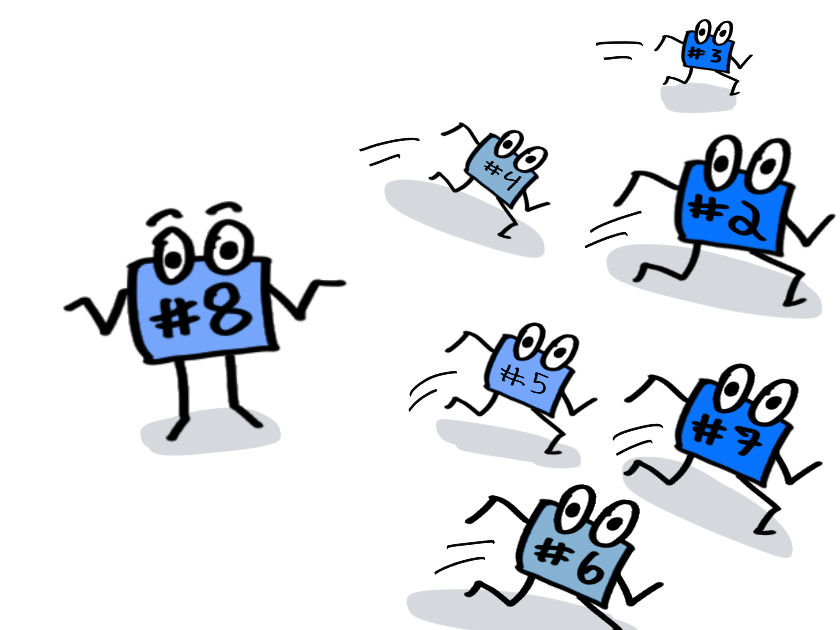
Imagine you have a Product Backlog with 10 items and you refine item number 8. Your team is using an LLM to help them code, so in the same day you manage to implement the first 7 items and call it a day. Next morning you reach for item #8. If we think about information age, it doesn’t seem like a problem, right? You refined it yesterday!
But… your codebase changed a lot! You implemented 7 new items during this time. Architectural decisions were made, maybe interfaces have changed, and needs as well.
This is what I call Increment Drift: the more we increment a product, the higher is the probability that the information we had stored in the Product Backlog got stale. As we accelerate software development more and more, my theory is that this metric tends to become more relevant than Information Age for most products.
I’m betting on Increment Drift becoming more relevant simply because our perception about the correlation between time and work done is not only changing fast but it’s also becoming incredibly volatile. And I bet it will make some time-related metrics less informative, especially in micro-contexts.
I’m fascinated about this concept and it won’t be the last time I talk about it.
The skill
/pbl-diagnoseevaluates both metrics and alerts you if it finds common anti-patterns in your Product Backlog.
When you run /pbl-diagnose, the LLM will alert you if you have too many refined items, if you finished too many items after refining another item (Increment Drift), it will evaluate the information age and even check if your Definition of Done evolution is coherent with the amount of architectural changes you made.
The pbl-skills plugin has a (pi-dev only) command called pbl-metrics that is deterministic (no LLM involved) and just shows these metrics on your screen, and the skill /pbl-diagnose can be used to feed these metrics so the LLM can warn you if something is looking weird.
Other commands and skills
/pbl-implement: Starts the implementation of the first refined item in the Product Backlog. Will write tests according to the correspondingConfirmation.mdfile/pbl-done: Checks the Definition of Done and mark the item as done/pbl-add: Adds a new item to the Product Backlog. The LLM will ask simple questions to create just theCard.mdfile
What’s the best way to try it?
The best way to try it (for free!) is:
- Install pi.dev
- Create an account in OpenCode
- Get your OpenCode API key and add it to Pi using
/login - Chose a free model like BigPickle and have fun
What’s next?
Well my good friend Donato grilled me about the tool and I have some homework to do:
- How to work with it in brownfield projects?
- What’s the best way to handle it to autonomous agents?
My gut feeling right now is that it would work for brownfield with an increasing benefit rate: the more you use it, the best it will get. After all, product backlogs are living organisms. And as our changelog grows, so does the available information for the LLM to work with.
As of now, autonomous agents aren’t the focus of the plugin.
But maybe I’ll /pbl-add that. :)